CPU GPU Bottleneck Guide 2026: Identify & Fix
Complete guide to CPU-GPU bottlenecks in 2026. Learn how to identify bottlenecks, test your system, and optimize performance with real benchmarks and upgrade strategies.
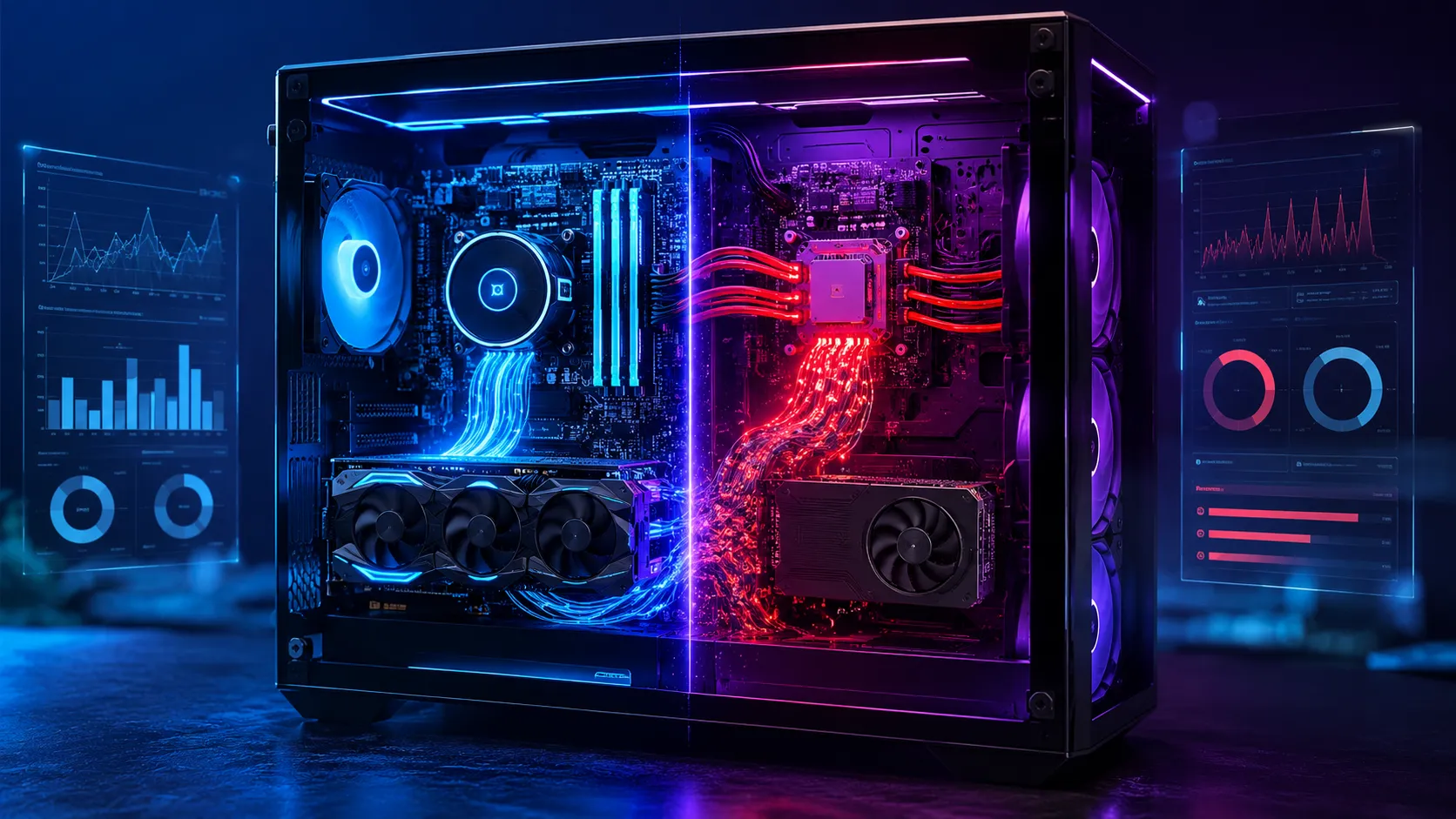
Ever wonder why your shiny new gaming PC doesn't run games as smoothly as you expected? You spent good money on components. But something feels off. Frame rates drop at random moments. The game stutters when it shouldn't. You might have a bottleneck.
Bottlenecks happen when one computer component can't keep up with another. It's like having a sports car with bicycle brakes. Your engine is powerful. But your brakes can't handle it. The same goes for your CPU and GPU. One might be too strong for the other. This guide will help you spot bottlenecks. Fix them. Get the performance you paid for.
What is a CPU GPU Bottleneck in 2026?
Your CPU and GPU work together like a team. The CPU handles general tasks. It makes decisions. It prepares data. The GPU renders graphics. It makes your games look pretty. When they work well together, games run smoothly. When one can't keep up, you get bottlenecks.
In 2026, bottlenecks work a bit differently. New CPUs have more cores than ever. GPUs come with more VRAM. Games use ray tracing and AI upscaling. These changes shift the bottleneck landscape. Sometimes your CPU struggles with physics calculations. Other times your GPU can't render enough frames.
Think of your PC like a bucket brigade. Each component passes information to the next. If one person in the line is slow, everyone behind them waits. That's a bottleneck. In 2026, with more complex games and hardware, understanding bottlenecks matters more than ever.
CPU Bottleneck vs GPU Bottleneck: Key Differences
How do you know which component is causing the problem? It's simpler than you think. Just check your usage.
CPU Bottleneck Signs
When your CPU is the bottleneck, you'll see high CPU usage. Your GPU usage will be low. Think of it this way: your graphics card is waiting for instructions. It's ready to render. But your CPU can't feed it data fast enough.
You'll notice specific symptoms. Game worlds load slowly. Physics effects stutter. NPCs move jerkily. Online games have high ping even with good internet. Your frame rate might be stable. But it won't reach what your GPU could produce.
GPU Bottleneck Signs
When your GPU is the bottleneck, the opposite happens. Your GPU usage stays high. Your CPU usage stays low. Your CPU is ready. But your GPU can't render frames fast enough.
You'll see consistent frame rates that don't match your GPU's potential. Games look detailed. But movement isn't smooth. Turning down settings might improve performance. Your CPU has plenty of headroom.
Resolution Matters
Resolution affects which component becomes the bottleneck. At 1080p, CPUs often bottleneck. The GPU doesn't have to work as hard. At 4K, GPUs usually bottleneck. There's more to render. So each component has its strengths. And weaknesses.
Testing Methods: CPU Bottleneck Test & GPU Bottleneck Checker
How do you know for sure which component is bottlenecking? Testing tools. They're your best friends for spotting bottlenecks.
MSI Afterburner
MSI Afterburner is free. It shows real-time CPU and GPU usage. Download it. Enable On-Screen Display. Launch your game. Watch the numbers. If your CPU hits 90% while your GPU is at 50%, you have a CPU bottleneck. If your GPU is at 90% while your CPU is at 50%, you have a GPU bottleneck.
HWiNFO64
HWiNFO64 gives you detailed performance metrics. It shows more than just usage. It shows clock speeds. Temperature. Power consumption. This helps you see if components are throttling. Throttling happens when components get too hot. They slow down to prevent damage. That can look like a bottleneck.
CapFrameX
CapFrameX is for advanced users. It analyzes frame times. Not just frame rates. Frame times show how consistent your performance is. Big spikes mean stutters. Small, consistent frames mean smooth gameplay. This helps spot CPU bottlenecks that affect frame pacing.
Benchmarking Tools
3DMark and Unigine Heaven are great for testing. Run benchmarks. Compare your scores with similar hardware online. If your scores are lower than expected, you might have a bottleneck. These tests are repeatable. Good for before-and-after comparisons after upgrades.
Free vs Paid Tools
Free tools like MSI Afterburner and HWiNFO64 are plenty good for most users. Paid tools like CapFrameX offer more detailed analysis. For most gamers, free tools work fine. Don't feel you need to spend money to spot bottlenecks.
CPU Bottleneck Symptoms vs GPU Bottleneck Symptoms
Knowing the symptoms helps you identify bottlenecks without tools. Here's what to watch for.
CPU Bottleneck Indicators
CPU bottlenecks show up as stutters. Not just low frame rates. But inconsistent frame times. Your game might freeze for split seconds. Especially in complex scenes with many objects.
Frame pacing issues are common too. The game feels jerky. Even when frame rates seem okay. Minimum frame rates drop significantly. Your game might run at 60 FPS most of the time. But dip to 30 FPS in busy scenes.
GPU Bottleneck Indicators
GPU bottlenecks show as consistently high GPU usage. Your frame rates might be stable. But lower than expected. Turning down graphical settings usually improves performance. Your CPU usage stays low.
In 2026 games with ray tracing, GPU bottlenecks are more obvious. Ray tracing is demanding. If your frame rates drop when you enable it. But your CPU usage is low, it's a GPU bottleneck.
Resolution-Specific Symptoms
At 1080p, CPU bottlenecks are more common. The GPU doesn't have to work as hard. You might see stutters in open-world games. Or games with complex AI.
At 4K, GPU bottlenecks dominate. There's more to render. Your frame rates will be lower overall. But they should be consistent if your GPU isn't bottlenecked.
Ray Tracing and AI Upscaling Effects
In 2026, ray tracing adds another layer. It's GPU-intensive. If your frame rates drop when you enable ray tracing. But your CPU usage is low, it's a GPU bottleneck.
Table of contents
Jump to the section you want to read.
Tags
Read Next